The Equipment Trap That Kills Podcasts
Let me save you from falling into the equipment trap that kills podcasts before they start.
The trap looks like this:
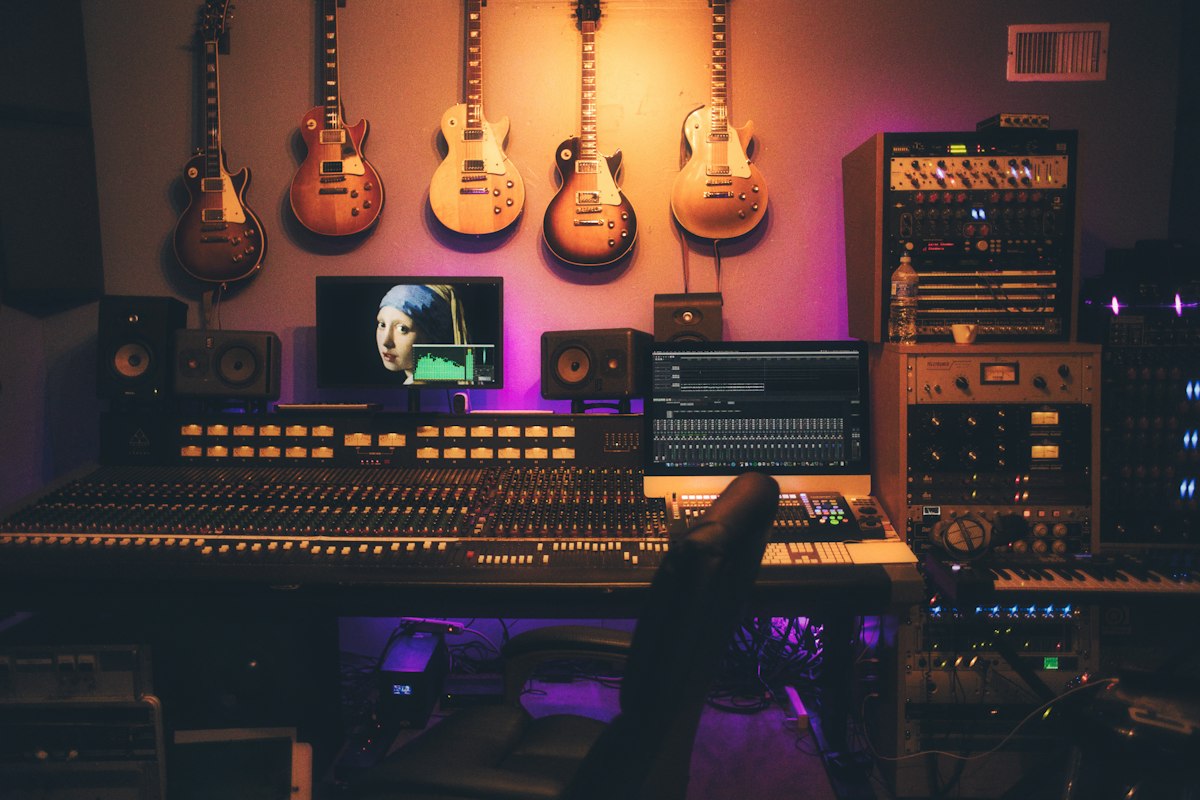
You decide to start a podcast. You Google "podcast equipment." You find articles recommending $400 microphones, $300 audio interfaces, $200 headphones, soundproofing foam, boom arms, pop filters, professional editing software...
Total recommended budget: $1,500-2,500
You think: "I guess I need to save up before I start."
Three months later, you still haven't started. Six months later, the idea has faded.
Here's the truth the equipment industry doesn't want you to know:
You can start a podcast today with $0-100, and the quality will be perfectly acceptable.
Not "okay for beginners." Not "tolerable." Actually good enough that listeners won't notice or care.
The $0 Setup (Start With What You Have)
Minimum viable podcast:
Microphone: Your smartphone Recording software: Voice Memos (iPhone) or Voice Recorder (Android) Editing software: Audacity (free, Mac/PC) Hosting: Anchor/Spotify for Podcasters (free)
Total cost: $0
"But wait," you're thinking, "won't it sound terrible?"
Test it yourself. Record 30 seconds on your phone right now. Play it back.
Can you understand every word clearly? If yes, you're good enough to start.
This isn't a joke. Some successful podcasters recorded their first 10-20 episodes on smartphones. The equipment didn't matter—the content did.
The $50-100 Setup (The Sweet Spot for Beginners)
If you can invest a little, here's where to spend it:
USB Microphone: $50-100
Good options:
- Samson Q2U ($60) - my top recommendation
- Audio-Technica ATR2100x ($80)
- Blue Snowball ($50)
Why USB? Plugs directly into your computer. No additional interface needed. Simple.
Headphones: $20-40 (optional but recommended)
Any decent headphones work:
- Sony MDR7506 ($100, professional grade)
- Audio-Technica M20x ($50, budget-friendly)
- Literally any headphones you already own
That's it.
What you DON'T need:
- ❌ Audio interface ($150-300)
- ❌ XLR microphone ($200-600)
- ❌ Boom arm ($30-100)
- ❌ Soundproofing foam ($50-200)
- ❌ Pop filter ($15-30)
- ❌ Professional editing software ($20-30/month)
All of these are optional upgrades for later, not requirements for starting.
The Recording Environment (Free)
You don't need a studio. You need a quiet room.
Here's what "quiet enough" means:
- No constant traffic noise
- No loud HVAC rumbling
- No people talking in the background
That's it.
The closet trick: If you don't have a quiet room, record in a closet. Clothes absorb sound. Sounds weird, works perfectly.
The blanket fort trick: Hang blankets around your recording space. Creates sound dampening for $0.
Morning/night advantage: Record when your environment is naturally quieter.
You do NOT need:
- Professional soundproofing
- Acoustic panels
- Bass traps
- Sound isolation booth
The Software Stack (Free)
Recording:
For solo podcasts:
- Audacity (Mac/PC, free) - solid, reliable
- GarageBand (Mac, free) - if you're on Mac
- Voice Memos (phone, free) - surprisingly good
For remote interviews:
- Zoom (free tier works)
- Riverside.fm (free tier, records locally for better quality)
- SquadCast (free tier available)
Editing:
Audacity (free, Mac/PC)
- Everything you need for basic editing
- Trim, noise reduction, normalization, export
Learning curve: 30 minutes to learn the basics you'll use 90% of the time.
Do NOT start with:
- Adobe Audition ($22/month) - overkill for beginners
- Descript ($12+/month) - nice but unnecessary at first
- Hindenburg ($95-375) - professional tool you don't need yet
Hosting:
Free tier options:
- Anchor/Spotify for Podcasters (unlimited, free forever)
- Buzzsprout (90 days of back catalog, free)
- Podbean (limited storage, free tier)
Start with Anchor. It's free, unlimited, and handles distribution automatically.
The Editing Philosophy (Good Enough > Perfect)
What you need to edit:
Essential edits (do these):
- Trim dead air - Cut long silences (over 3-4 seconds)
- Remove major mistakes - "Um, wait, let me restart that whole thing"
- Normalize volume - Make it consistently loud enough
- Add intro/outro - Simple music or just verbal intro
Time required: 30-60 minutes for a 30-minute episode
Optional edits (skip these at first):
- Every "um" and "uh" (listeners don't notice as much as you think)
- Perfect transitions (rough cuts are fine)
- Sound design and effects (unnecessary for most shows)
- Detailed EQ and compression (nice to have, not essential)
The rule: If the edit doesn't improve clarity or listenability significantly, skip it.
Your time is better spent creating episode 2 than perfecting episode 1.
The Upgrade Path (When & What)
Don't buy everything at once. Upgrade strategically as you grow.
After Episode 20: USB Microphone ($50-100) If you started with a phone, upgrade to a USB mic.
After Episode 50: XLR Microphone + Audio Interface ($200-400) When you're committed long-term, upgrade to an XLR setup.
Recommended:
- Microphone: Shure SM7B ($400) or Rode PodMic ($100)
- Interface: Focusrite Scarlett Solo ($120)
After Episode 100: Paid Hosting ($12-20/month) When you have consistent audience, upgrade for better analytics.
After 500-1000 downloads/episode: Professional Editing ($50-150/episode) When revenue justifies it or your time is better spent elsewhere.
Common "Requirements" That Aren't
Myth 1: "You need video for podcasts now" Truth: Audio-only podcasts still thrive. Video is optional.
Myth 2: "You need professional intro music" Truth: You can launch with no intro music, free music from YouTube Audio Library, or just a verbal intro.
Myth 3: "You need expensive headphones to monitor quality" Truth: Any headphones work for monitoring while recording.
Myth 4: "You need a pop filter" Truth: Speaking across the mic (not directly into it) eliminates most plosives for free.
Myth 5: "You need soundproofing" Truth: You need a quiet space. Record in a closet or under blankets if necessary.
The Quality Threshold (What Actually Matters)
Listeners care about:
- Can they understand you? (Clear enough audio)
- Is the content valuable? (Answers their questions, solves their problems)
- Is it consistent? (Published reliably on schedule)
Listeners DON'T care about:
- Whether you used a $50 or $500 microphone (they can't tell)
- Whether you removed every "um" (they barely notice)
- Whether you have studio-quality production (unless you're NPR)
The threshold for "good enough":
- Audio is clear and understandable
- No distracting background noise
- Volume is consistent
- No painful plosives or harsh sounds
If you meet these four criteria, your audio quality is sufficient.
Your Minimum Viable Podcast Checklist
Before you spend ANY money, check this:
- I've recorded a test episode on my phone/computer
- I've listened back and confirmed it's understandable
- I have a quiet place to record (or can create one)
- I've downloaded Audacity or GarageBand
- I've watched one 10-minute tutorial on basic editing
If you checked all five, you're ready to start with $0 investment.
The Real Barrier (It's Not Equipment)
Here's what actually stops people from starting podcasts:
Not:
- Lacking a $400 microphone
- Not having a professional studio
- Missing expensive software
Actually:
- Fear of sounding unprofessional
- Perfectionism disguised as "preparation"
- Using equipment research as procrastination
The uncomfortable truth:
That $2,000 setup won't make your content better. It might make it sound 10% better, but it won't make it 10x more compelling.
Compelling content comes from:
- Clear positioning
- Understanding your audience
- Valuable insights
- Authentic delivery
- Consistent publishing
All of these cost $0 and matter infinitely more than equipment.
Your Next Step
Today:
- Record a 5-minute test episode on your phone
- Play it back
- Is it understandable?
If yes:
- You have everything you need
- Start planning episode 1
- Stop researching equipment
This week:
- Episode 1: Record and publish with whatever you have
- Episode 2-3: Publish with same setup
- Episode 5: Evaluate if you need upgrades
Because the best podcast equipment is the equipment you actually use to publish episodes.
Perfect gear with zero published episodes < "Good enough" gear with 20 published episodes.
Start with what you have. Upgrade when you know you'll stick with it.